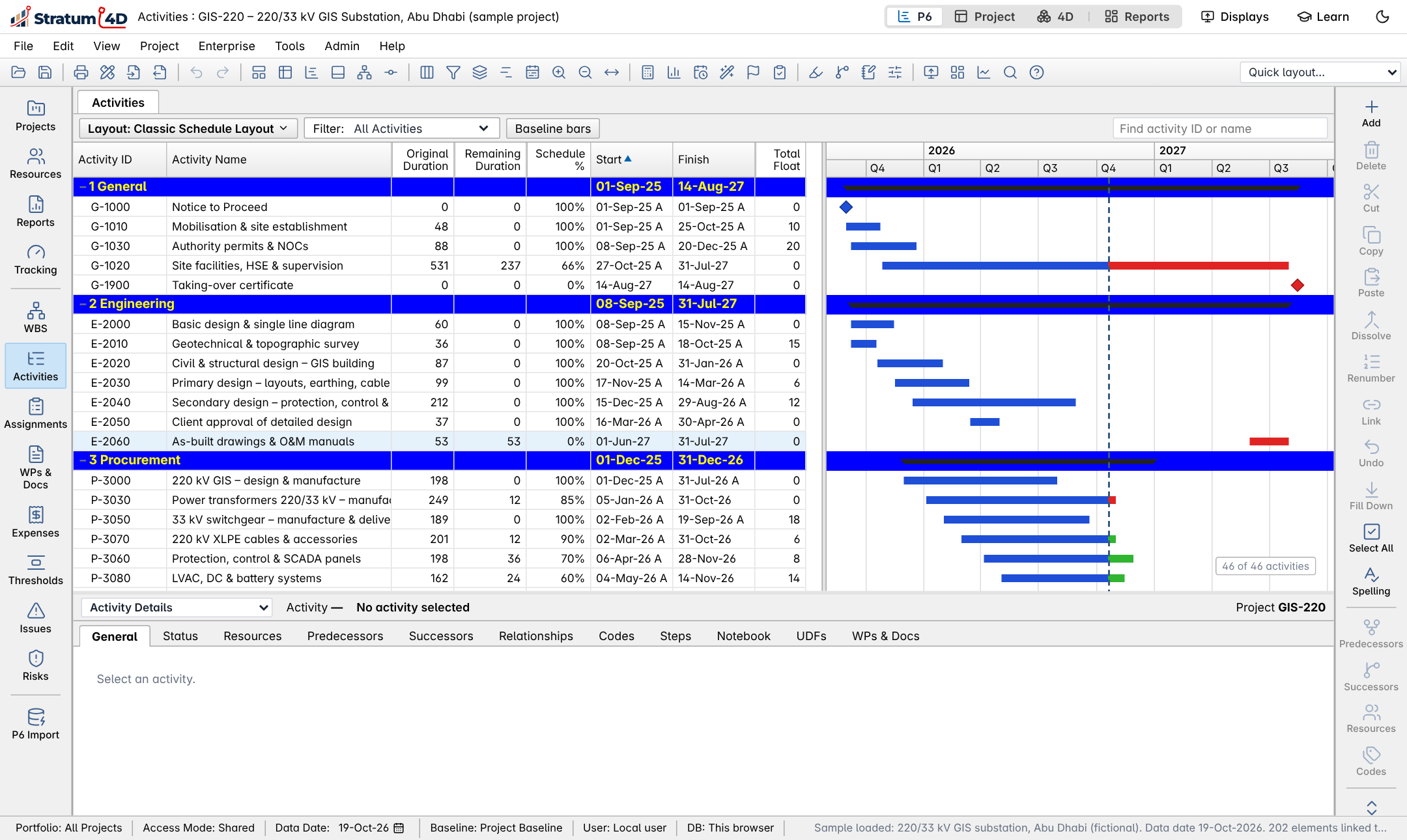
P6 layout
Activities, WBS, EPS, resources, baselines, schedule (F9) and levelling (F10), laid out like P6 Professional. Reads and writes XER, and connects to P6 EPPM.

Engineering Intelligence
Stratum 4D reads your Primavera P6 or Microsoft Project schedule, links it to the IFC model and plays the construction sequence day by day. Behind this text, the engine is building a 220 kV GIS substation from its own schedule.

Activities, WBS, EPS, resources, baselines, schedule (F9) and levelling (F10), laid out like P6 Professional. Reads and writes XER, and connects to P6 EPPM.
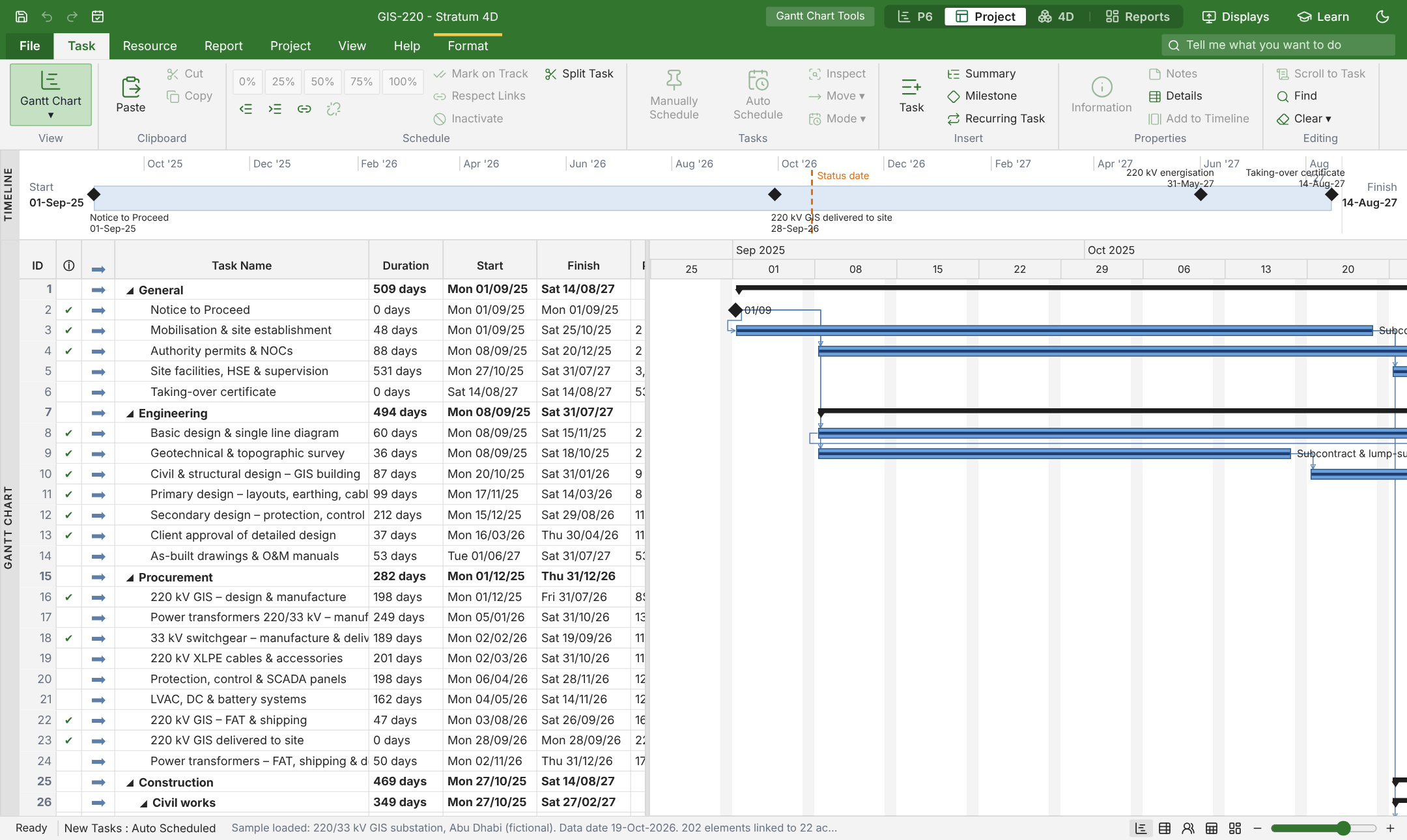
The ribbon, an editable Gantt sheet, Task Usage, Team Planner, Network Diagram and the Task Information dialog. Opens and saves MS Project XML.
Load an IFC model, link elements to activities by rule or by hand, then play, record video and check quantities installed by date.
KPIs against a chosen baseline, drill-down to the activities behind each figure, and export to an editable PowerPoint deck.
Installers for each release are on GitHub. The desktop app works offline, keeps projects in a local database and can connect to Primavera P6.
The manual is written in ASD-STE100 Simplified Technical English, with step-by-step procedures and diagrams. Read it online or download the PDF.